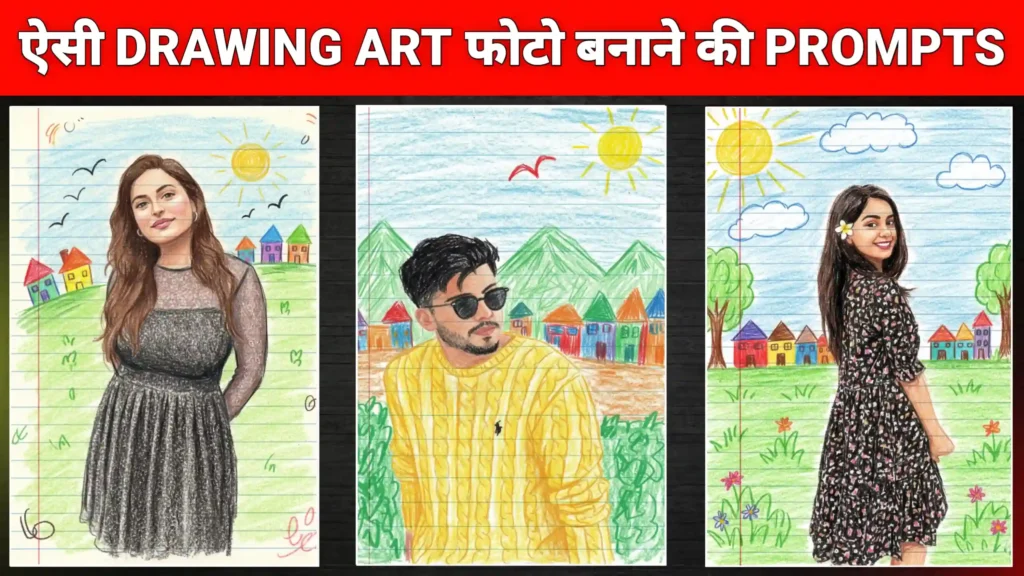
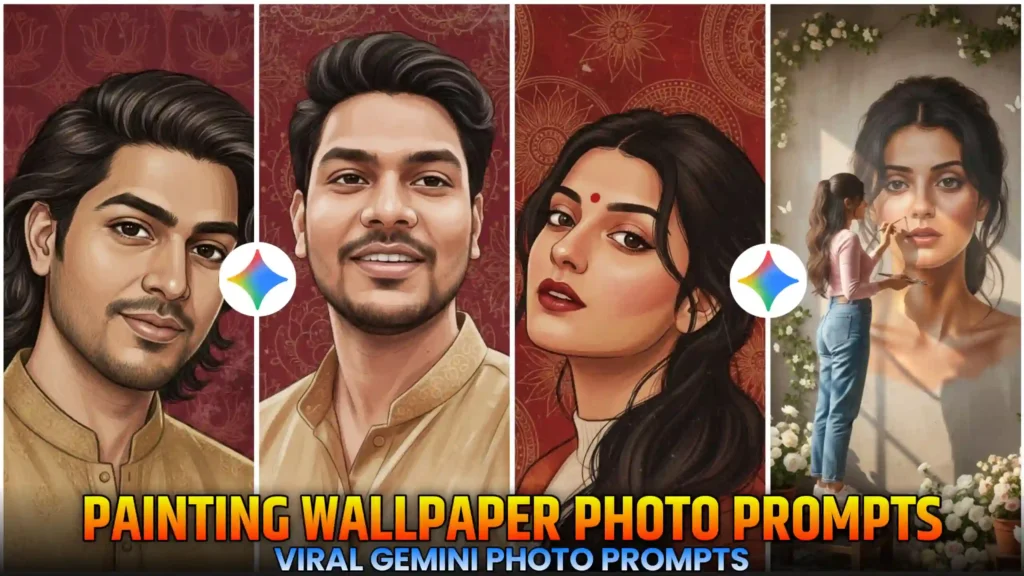
Friends, a new trend has emerged on Instagram where people are transforming their photos into painting-style images and uploading them. These photos look absolutely amazing. So, if you also want to convert your photos into this trending painting style, then in this article, I’m going to explain everything in a very simple way. I’ll also provide you with the Google Gemini painting photo editing prompts. You just need to read this article from beginning to end. I’ll show you how to use the prompts and create your photos. So, first of all, you’ll need a photo of yourself. We’ll use it to match the face in our Gemini-generated image. After that, Google Gemini will create the photo for us. Then we can easily download it and save it to our phone’s gallery. So, let’s learn more about this. I’ll teach you how to create it further in this article.
Instagram Gemini Painting Wallpaper Ai Photo Prompts
Look, the photo editing prompts we’re going to use here are going to be completely new, and as you all know, photos created with Google Gemini are going viral on Instagram, Facebook, and everywhere else right now. Everyone is creating and uploading these kinds of trending photos on social media, and they’re getting a lot of likes and views. So, you should also check it out and create these trending photos as soon as you get the chance, because they are very much in trend. And now, another new trend has emerged on Instagram where people are creating and uploading their photos as if they were wallpaper paintings. The photos look like they were created through painting, just like how big artists create paintings. Our photos will also look amazing in the same way. So, in this article, I’m going to tell you how you can convert your photos into this kind of painting style. I’ll tell you the best and newest method to do it.
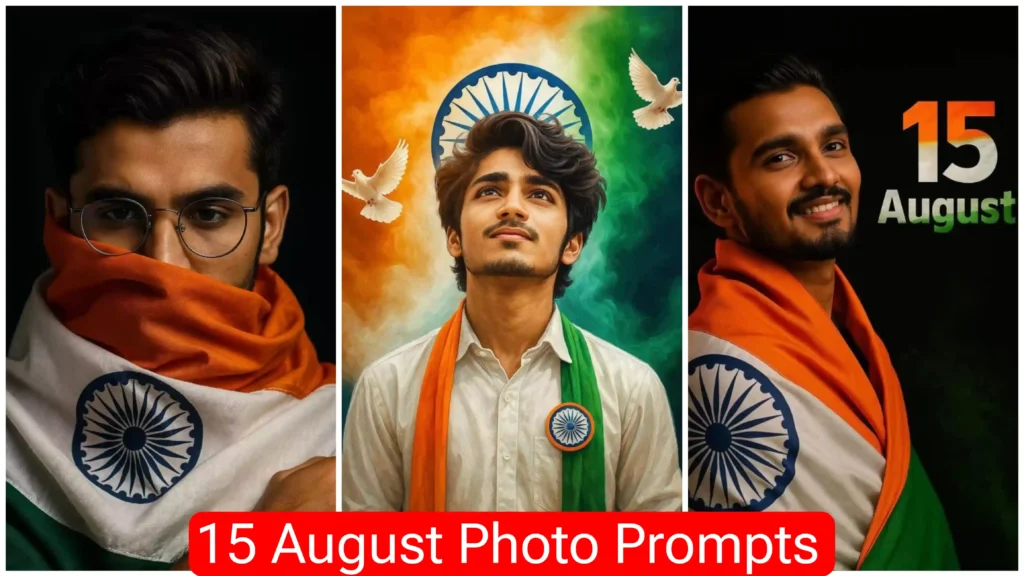
Surreal self-portrait mural realism
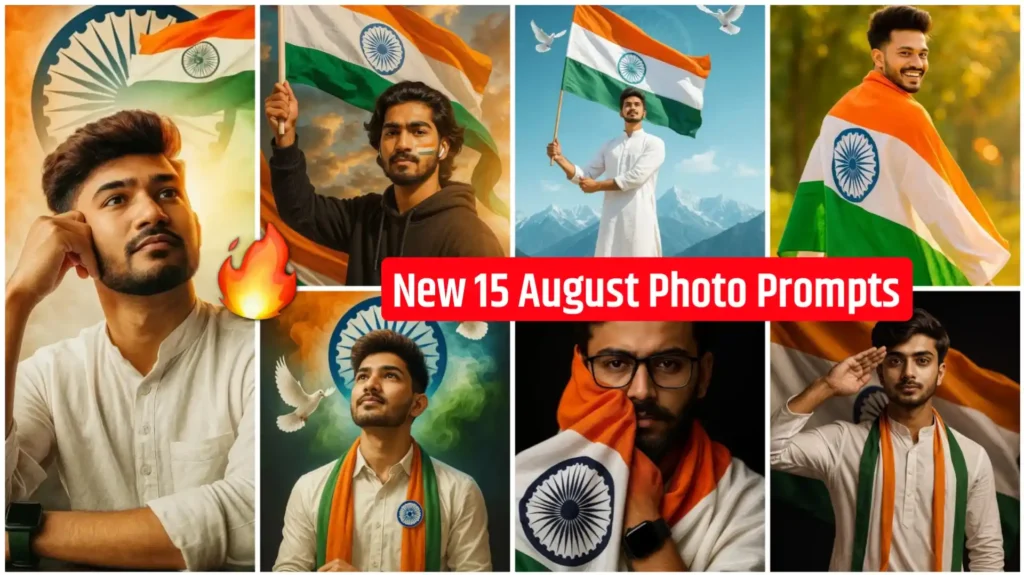
Indian miniature folk portrait
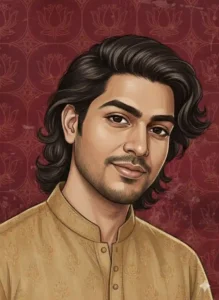
Indian folk miniature portrait
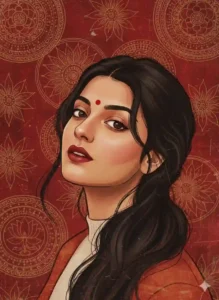
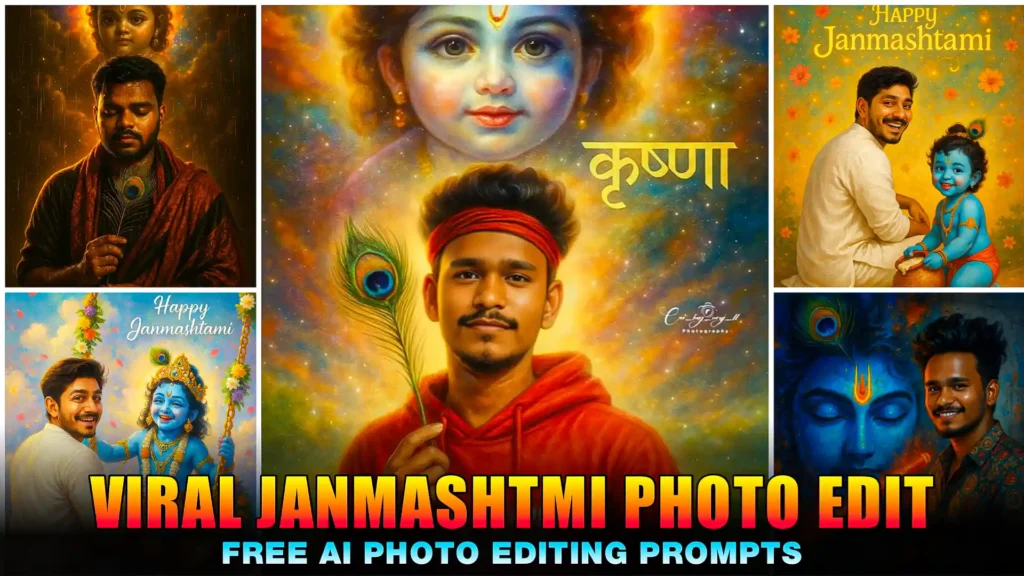
Indian folk mural portrait
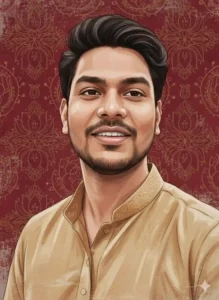
Who Can Use AI Painting Prompts
I know you must be wondering who can use these kinds of photos. Well, let me explain it simply. People who don’t know how to edit photos and don’t have much knowledge about these things can definitely use this. It only requires a few clicks, and the photo is generated. And if you simply want to give your normal photos a unique look, you can also create these kinds of images. But if your goal is to increase likes and followers on Instagram and Facebook, then this can be very useful for you, because these types of photos get a lot of likes and reach. So you too can create these kinds of photos. You don’t need any special skills or professional editing experience. Even if you are a beginner, you can create your own creative photos like this. And as I mentioned earlier, this is very trending right now, so this is the best time to create your own photos like this.
Convert Your Normal Photo into Painting Art
So friends, if you also want to convert any of your normal photos into a painting art wallpaper, then I’m going to tell you how to do that. First of all, let me tell you this important thing. You should have a photo of yourself where your face is clearly visible, because only then will it be able to match your face. Otherwise, if you add a photo where your face isn’t clearly visible, then your photo won’t be created properly. So you must keep this in mind. After that, I have given you several types of photo editing prompts above. All the prompts I’ve given you are currently trending. If you like any of these photo prompts, you should copy it and then follow all the steps mentioned below.
- First, you need to copy the prompt for the image you want to create from the photos shown above.
- After that, you need to click on the “Create Image” button. Clicking on this will take you to the Gemini website.
- Now, friends, first you need to log in here, and then click on the icon for adding photos to add your photo.
- After that, you need to paste the copied prompt here and make sure to keep Nano Banana turned on.
- After doing all this work, you need to send it to Google Gemini and wait for a few seconds.
- Friends, once your photo is created, you can click on it and then click on the download icon to save it to your phone’s gallery.
Conclusion
By following each step I’ve described and using the Instagram Gemini Painting Wallpaper AI Photo Prompts, you can easily create viral painting art photos for Instagram with just one click. I’ve shown you the best and easiest way to create these kinds of photos. You won’t find a simpler method anywhere else. If you have any questions, feel free to ask us. Also, if you need prompts for other types of photo editing, you can let us know in the comments. We’ve also published many other articles on this website with various photo and video editing prompts that you can use to create your own photos and videos.