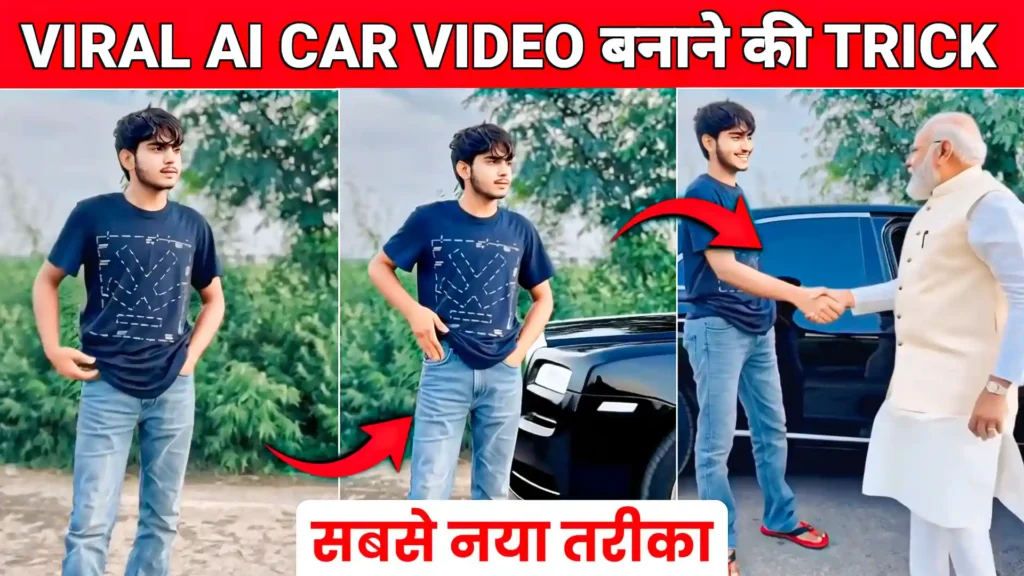
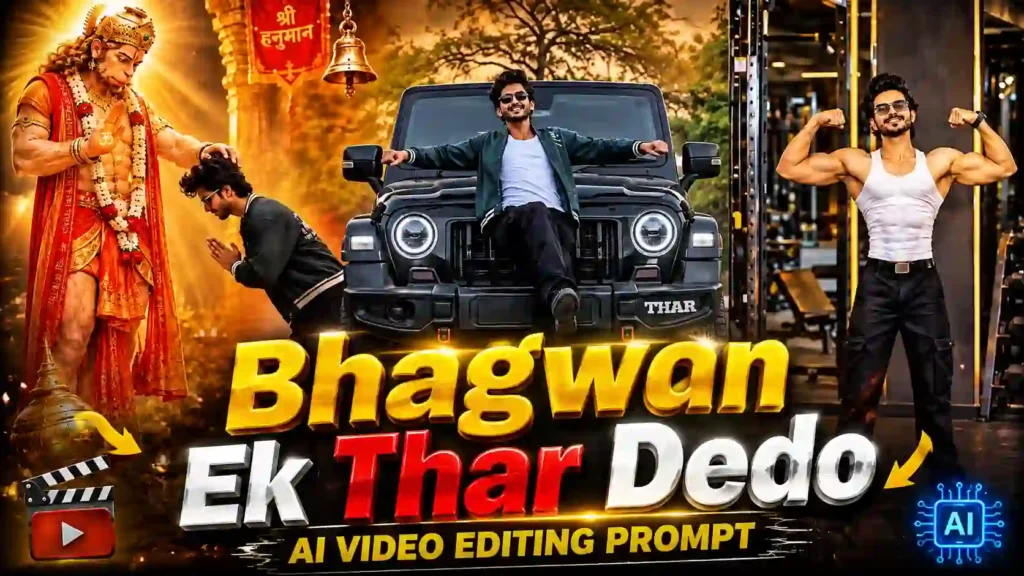
Bhagwan Ek Thar Dedo AI Video Prompt – Nowadays a new AI video trend is going very viral on Instagram and other social media. In this video a boy first stand in front of Hanuman Ji and pray with joining his hands. He says Hey Bhagwan ek Thar dedo, then a photo comes where Thar car is standing behind him. After this he asks for a long car and AI make a photo where he is standing near a big luxury car. Then he ask for six pack body and next photo show him with a good body in gym. At last he says paisa khatam hi na hove, beshumaar dedo and AI create a photo where he is throwing lots of money in air. All these scenes comes according to the song lyrics and it looks very interesting when all photos change with the song. If you also want to make this trending AI video then you don’t need to worry. You can easily create this video by using a reference video and some AI tools. You just have to take screenshots from the reference video and create your own AI photos from them. In this article I will tell you the full process step by step, so you can also make this viral video very easily.
SHERU BHAI AI VIDEO EDITING
Bhagwan Ek Thar Dedo AI Video Trend
In this video, everything happens according to the song and its lyrics. First the video starts with a boy standing in front of Hanuman Ji. He joins his hands and pray to God for giving him a Thar car. When the song says “Hey Bhagwan Ek Thar Dedo”, the next scene comes where the same boy is standing in front of a Thar car and looking very happy. After this the song says “Chalo Thar Nahi To Ek Lambi Car Dedo” and then his next AI photo comes where he is standing with a long luxury car. In the next line he asks for a six pack body, so an AI generated photo appears where the boy is showing his muscular body and six pack abs inside a gym. After this the song lyrics says “Paisa Khatam Na Hove, Beshumaar Dedo”. Now another photo comes where the same boy is throwing lots of money in the air and enjoying his rich life. In this way every wish of the boy gets completed one by one with the song. The most interesting thing is that every photo looks connected with the previous scene because the same boy is shown in all pictures. When these AI photos are added with proper timing according to the song, the full video looks like a funny and trending AI wish video.

REFERENCE VIDEO
GENERATE VIDEO
How To Create This Viral Wishing AI Video?
Now let’s see how you can create this viral AI video using Flow AI. First of all, you have to visit Flow AI website. After opening Flow AI, copy the prompt which I have given in this article. You will also get a reference video in this article, so first download that reference video because we will use it to create our own video. Now go to Flow AI and upload the reference video there. After uploading the reference video, you also have to upload your own photo which you want to show in the video. Make sure you upload a clear photo of yourself so AI can understand your face properly. Now the next step is to copy the prompt given in this article and paste it into the prompt box of Flow AI. This prompt will help Flow AI understand how you want to create the video and what actions should be shown in different scenes. After doing all these things, check once that your reference video, personal photo and prompt are added properly. Now simply click on the submit or generate button and wait for some time. Flow AI will start processing your request and after a little time it will generate your AI video. Once the video is ready, you can preview it and check how it looks. If everything is looking good then simply click on the download or save option and save your video on your phone or computer. Now your viral AI video is ready to share on Instagram and other social media.
Why This Hey Bhagwan Ek Thar Dedo AI Video Is Going Viral So Much?
Nowadays this Hey Bhagwan Ek Thar Dedo AI video is getting lots of love from people on Instagram and other social media platforms. There are many reasons why people are liking this video so much. First thing is its song which is very catchy and funny, when the boy asks Hanuman Ji for a Thar, long car, six pack body and lots of money, people enjoy watching these scenes with the song. Another interesting thing is that every wish becomes true in the next AI photo, which makes the video more entertaining. People also like this trend because they can create this video with their own face without buying any expensive car or going to gym for making photos. They just need one good photo and a reference video to create their own version with the help of AI. Many people are also sharing their videos with friends and making funny versions of this trend. This is why this AI video trend is becoming popular day by day and more people want to try it. If you also want to make your own Hey Bhagwan Ek Thar Dedo trending AI video, you can follow the steps given above and create it very easily.
Conclusion
So friends, in this article we have learned how to create Hey Bhagwan Ek Thar Dedo AI Video using Flow AI. You can also make this trending video with your own photo by following all the steps given above. Just download the reference video, upload your photo, copy the prompt and use it in Flow AI to generate your video. After creating the video, you can add the trending song and share it on Instagram Reels, YouTube Shorts and other social media platforms. I hope you understand the full process of making this viral AI video. If you face any problem while creating your video, you can tell me in the comment section. I will try to help you. Thanks for reading this article!